iDrawArch
Sketch. Model. Document.
Diagrams, text pages, and notes for Mac. In one file, entirely on your device.
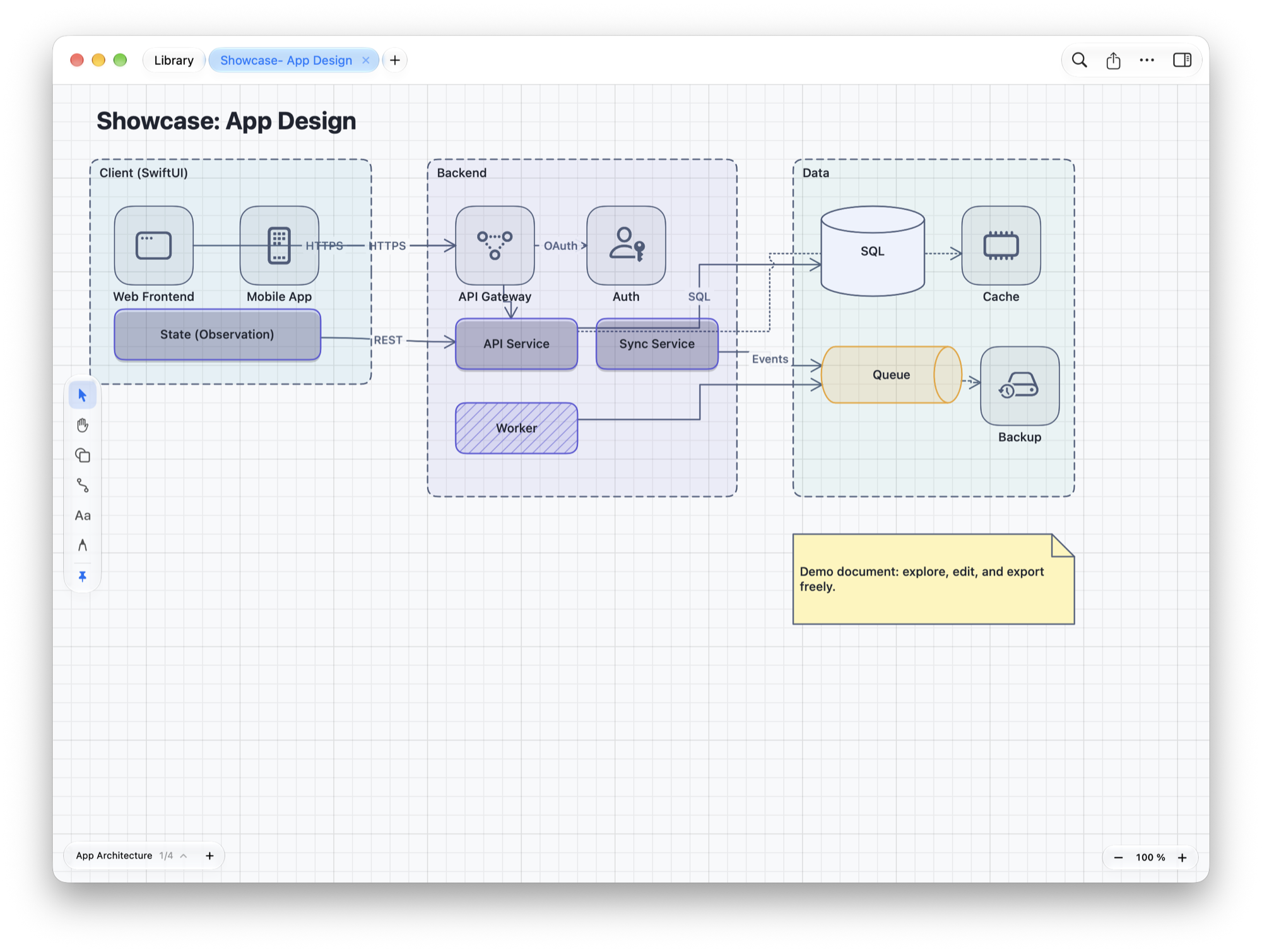
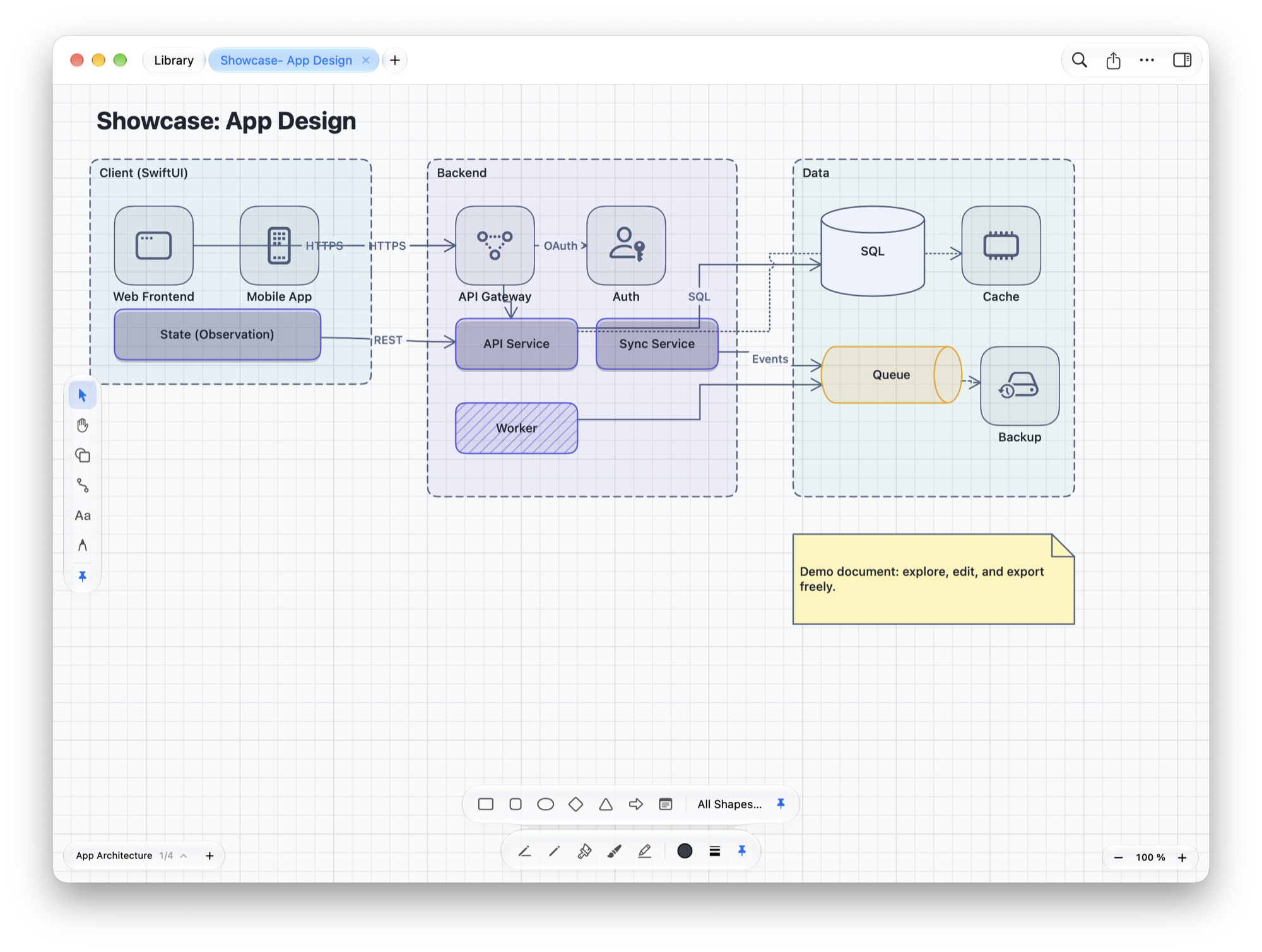
Tool boxes
Tools when you need them.
Shapes, drawing, and writing float above the page as glass and appear exactly when you need them. The pin keeps a box in place.
New in 2.0
The biggest update yet.
From presenting and smarter connectors to diagrams from text. And everything stays on your Mac.
⌥⌘P
Present
Your document in full screen, starting at the page in front. A laser dot follows the pointer, shapes appear step by step, and a timer runs along. The presenter view shows your speaker notes, never on the screen with the slides.
↳
Smarter connectors
Connectors route around other shapes, snap to fixed connection points, and follow your waypoints. Drag an end to attach it to another shape.
3 × 4
Tables and more
Tables, formulas, code, files, and PDFs sit right on the canvas. Database entities connect from row to row.
⇥
Order on demand
Containers hold shapes and grow with them. On a mind map, ⇥ adds a child, and tree, radial, or force-directed layouts show a preview first.
A → B
Text to diagram
Write a diagram as text and the drawing follows as you type. Or import diagram text, outlines, table data, database schemas, and Swift source code.
⇧⌘J
Write with focus
Fold sections, focus and typewriter mode, backlinks between pages and notes. An audio recording gets its transcript on device.
⌥⌘S
Locked and versioned
Lock a document with a password and it is stored encrypted on disk. Save named versions and compare them page by page.
Finder
At home on the Mac
Shortcuts create notes and open documents. The Space bar in Finder previews documents and Markdown files, and if you like, iDrawArch is your default app for Markdown.
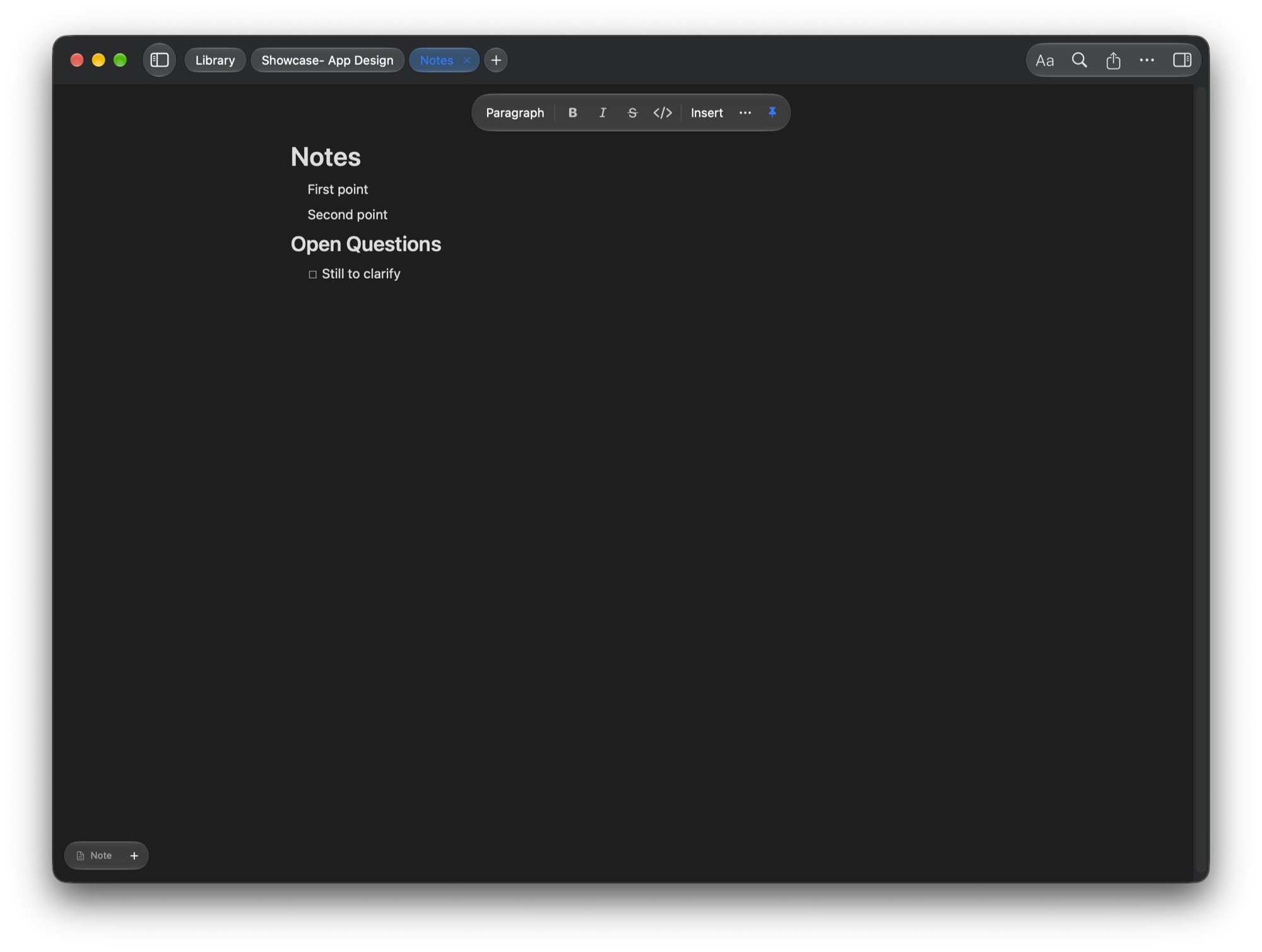
Text pages
Write as if on paper.
Markdown or HTML with images, tables, tasks, and formulas, in the same file as your diagrams. You decide how wide the column is.
Markdown
More Markdown. Not a character less.
Sized and wrapped images, callouts, jumping footnotes, and code in color. And whatever you don’t change stays in the file exactly as it was.
¼ ½ ¾
Images on text pages
Paste them, drag them in, or use the Insert menu. Drag a handle to resize, with ⇧ in quarters of the column; plus alignment, text wrap, and a caption. Other Markdown apps show the size, too.
!
Callouts
Note, tip, important, warning, and caution, collapsible if you like. In the widely used Markdown format; apps without callouts show a quote.
#
Table of contents and footnotes
A table of contents linking to your headings, refreshed with one command. Footnotes jump there and back; in the PDF, contents and references lead to their place.
[[ ]]
Wiki links
Link to pages of the document and to notes in your library, even to a heading. After two square brackets, iDrawArch suggests matching names.
30+
Code in color
Syntax colors for more than 30 programming and markup languages, light and dark, from editing to export. With line numbers if you like.
⌘P
Printing
The whole document or just the text page in front. With a note in front, ⌘P prints the note, typeset like a text page; saving it as PDF works, too.
1:1
Editing without losses
“Edit Directly” writes back only the paragraphs you change. Everything else stays in the file character for character, including notations from other apps. You edit HTML pages directly too, with a lock only on blocks the display can’t represent. No autocorrection touches your code.
All in there.
160+
Shapes and symbols
Class, sequence, and use case diagrams, flowcharts, process models, architecture, ER models, networks, circuit diagrams, and mind maps. Plus a symbol browser with search and your own stencil collections.
x²
Formulas
Math, typeset right on your Mac: in the text, on the canvas, in the PDF, and as MathML.
⌃⌘N
Notes
From the menu bar, floating above every window, saved as a file in your library. With a quick capture shortcut, today’s note, and reminders.
SVG
Export
PDF, PNG, JPEG, TIFF, BMP, and true vector SVG, plus HTML document, Word, RTF, and e-book. Text pages also as .md or .html with their images folder.
0
Accounts and trackers
Everything stays on your Mac. iCloud only if you want it, in your private storage.
On device
Apple Intelligence
Generate diagrams from a description and change them in your own words, describe pages, summarize, tidy up, and translate text. None of it leaves your Mac. Where available.
⌘
Keyboard and VoiceOver
Shortcuts for everything, select and connect shapes from the keyboard, plus optional modal keyboard editing without the mouse. The library and the canvas work with VoiceOver, too.
10
Backups
When saving over a file, iDrawArch keeps earlier states locally on your Mac, the last ten per file. You get them back as a copy; the original stays.
Welcome
Set up in five steps
On first launch, an assistant walks you through storage location, features, and options. With “Open at Login”, iDrawArch is there right after you log in, handy for notes from the menu bar. Open it again any time: Help → Welcome & Setup…
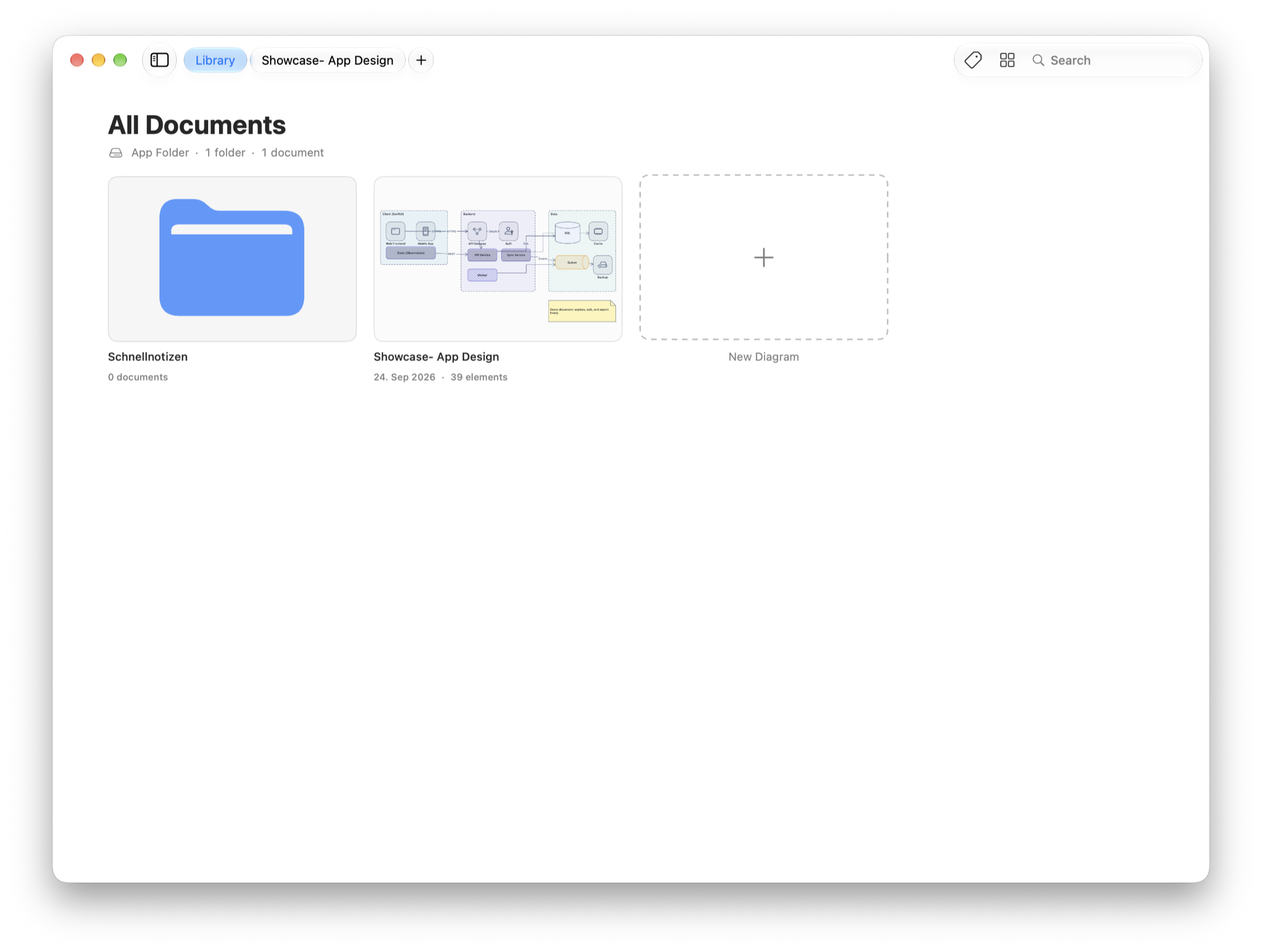
Library
Everything in one place.
Folders, tags, full-text search, and thumbnails: stored locally, in a folder of your choice, or in your private iCloud Drive. In an iCloud conflict you see both versions and decide yourself.